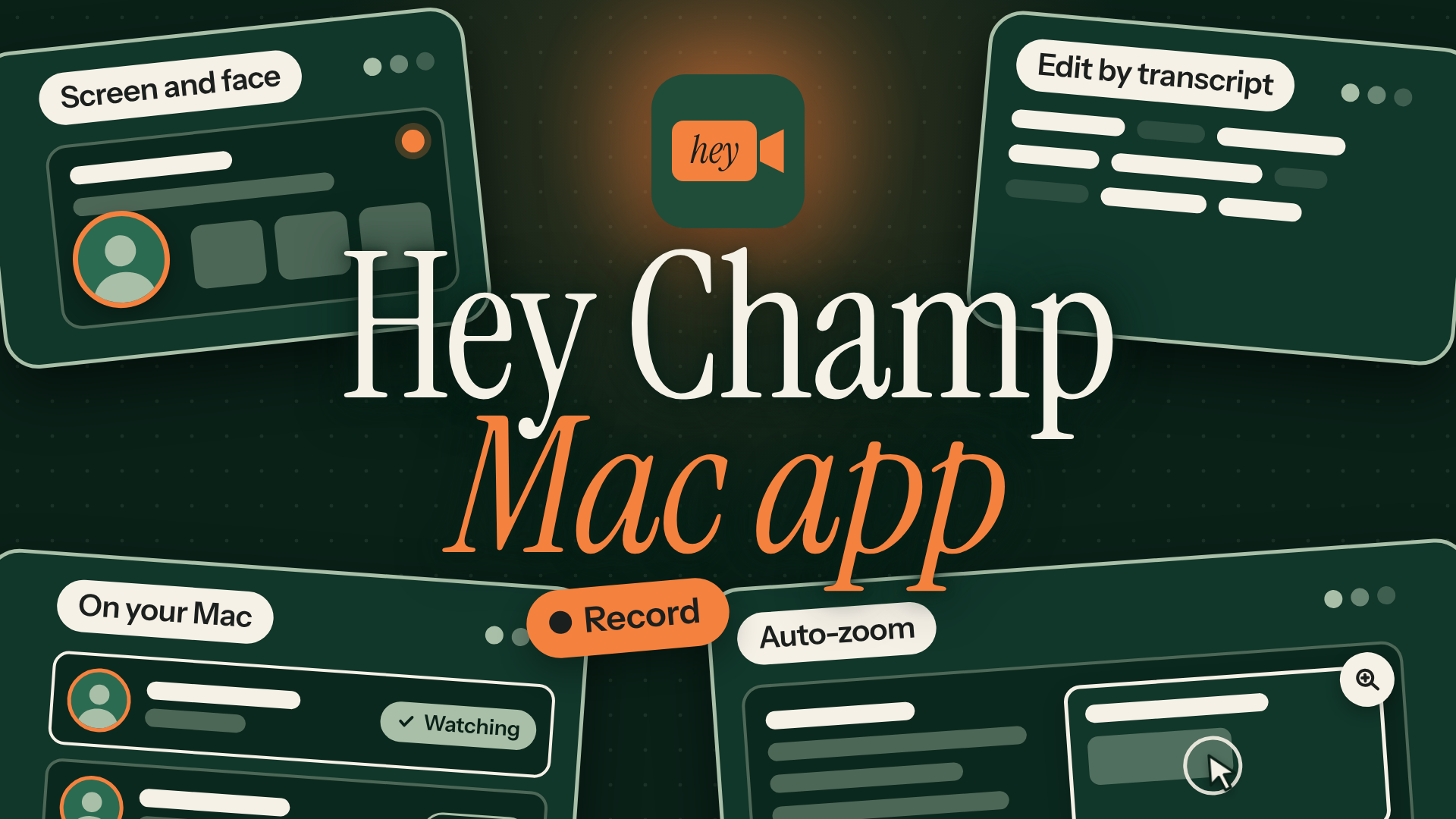
Mac app
- Record your screen with your camera in a bubble, or just your camera. Screen recordings zoom in on what you click.
- Start a quick recording from the menu bar, without opening the app first.
- Captions are made on your Mac. Cut filler words and long pauses by editing the transcript.
- Save your branding as a look and your call to action as an end card, then use them on any video.
- Make a vertical social video with captions, and download it as an MP4 for LinkedIn, Reels, Shorts or TikTok.
- Get a pop-up on your Mac when someone watches your video or clicks your button.
Record and send from your Mac, with your screen and your face in the same video.
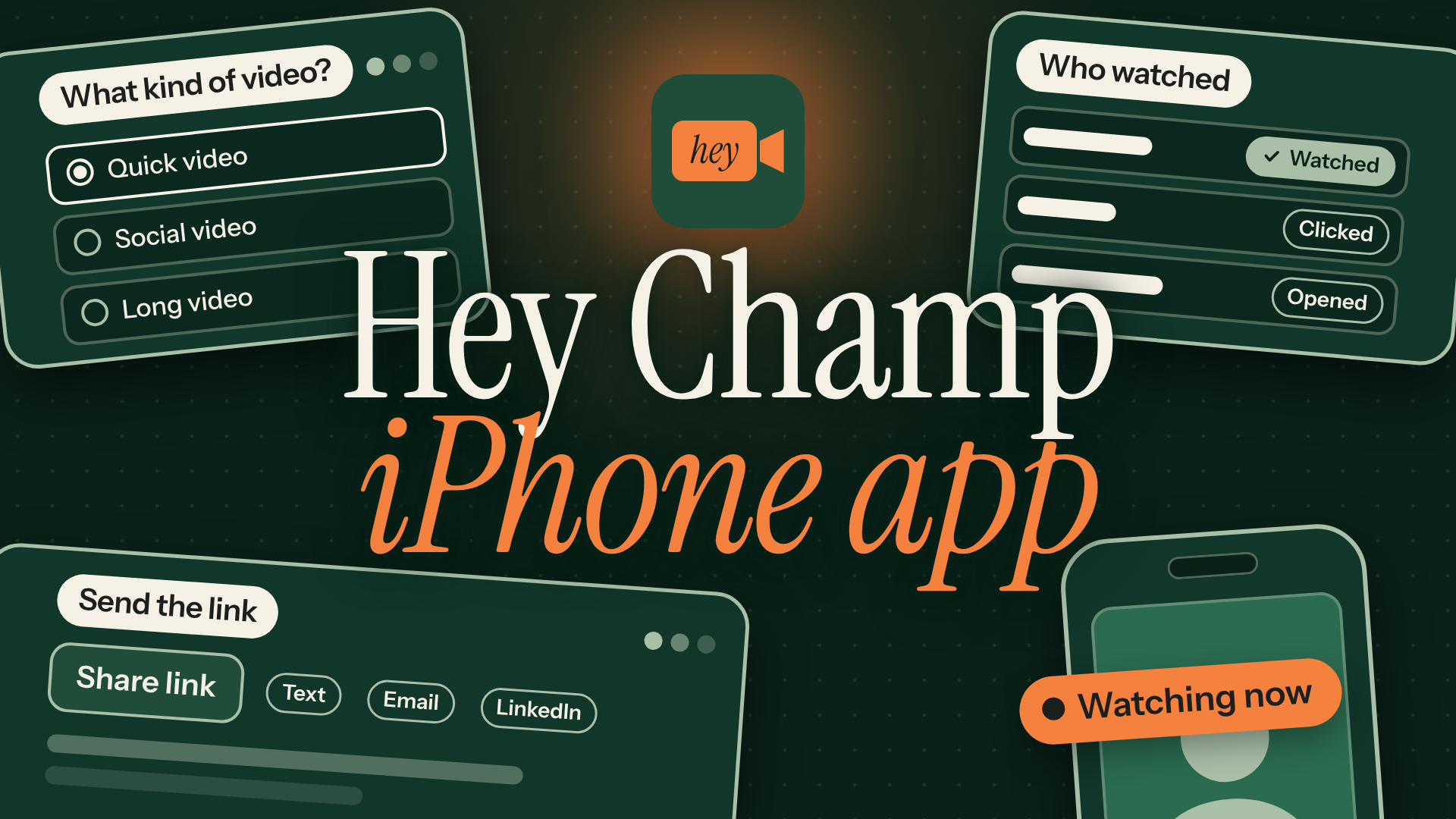
iPhone app
- Record a quick, social or long video with your iPhone camera.
- Send the link by text, email, WhatsApp or LinkedIn from your phone's share menu.
- See who watched each video and how much of it they saw.
- Get a notification on your phone the moment someone watches or clicks your button.
Record a video and send the link from your phone, then see who watched it while you're out.
Record in your browser
Nothing to install. Works in Chrome, Edge and Safari on a computer, and keeps recording while you present another window.
Video
Your face and voice, on a page made for one buyer.
Value statements
Coming soonA two-page business case your champion can take to the economic buyer.
Value capture
Coming soonA form that collects the buyer's numbers for the business case.
Value maps
Coming soonTheir process today next to the same job with you.
Stakeholder maps
Coming soonEveryone at an account on one chart, with a power line.